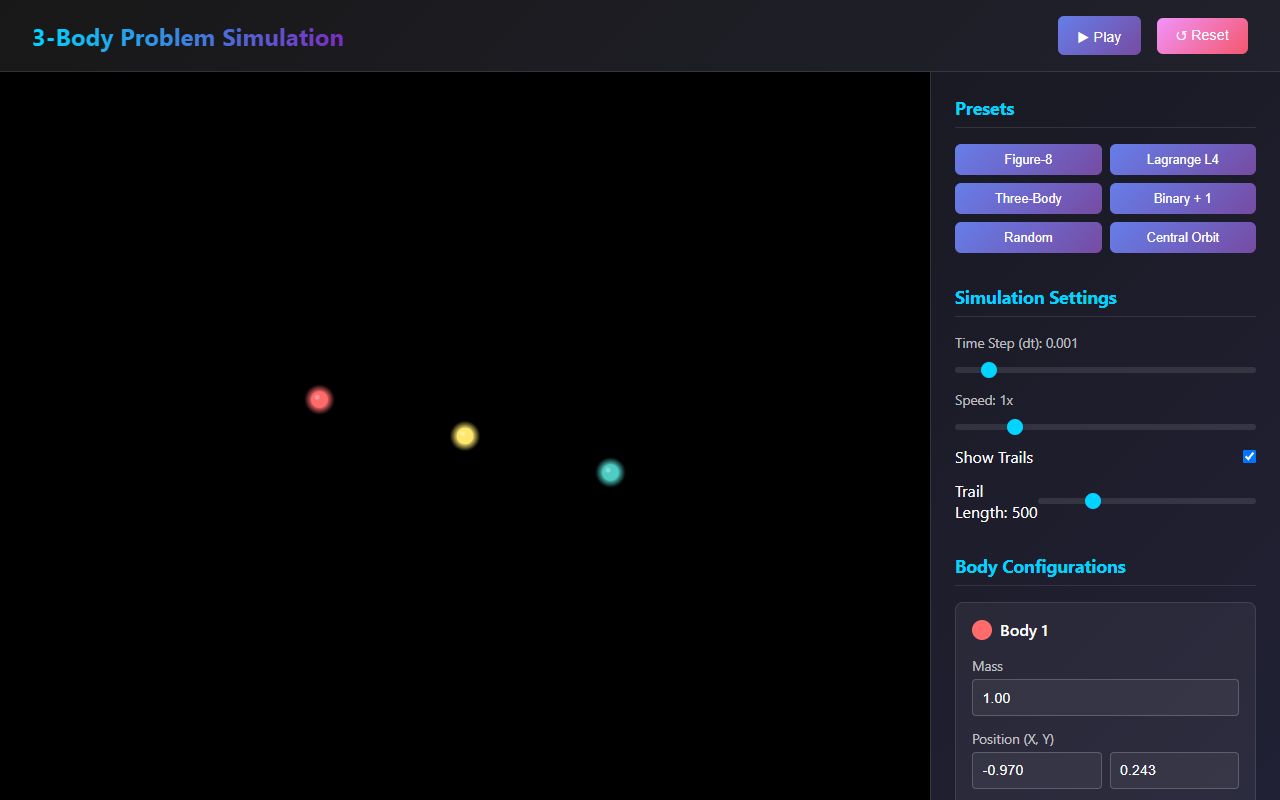
Three-body problem, 2D
Three gravitating bodies in 2D, with five fixed presets. Vite, TypeScript, Canvas or SVG.
Prompt
Build a polished 2D Three-Body Problem simulator as a Vite web app.

Use:
- Vite as the project setup.
- TypeScript if possible.
- Plain Canvas or SVG for rendering, whichever gives the smoothest animation.
- A clean component structure and readable code.

Goal:
Create a small but high-quality interactive web app that simulates three gravitational bodies in 2D. The app should feel smooth, visually clean, responsive, and physically credible. It will be used as a benchmark to test how well models can build interactive scientific simulations.

Core requirements:
- Smooth real-time animation.
- Accurate and stable physics behavior.
- Clean modern UI.
- Responsive layout for desktop and mobile.
- No unnecessary heavy frameworks or bloated dependencies.
- The app should work immediately after install and run with Vite.

Presets:
Include exactly these presets and make them selectable from the UI:

1. Figure-8 Orbit
   - The classic stable figure-eight three-body choreography.
   - Three equal bodies following the same path.

2. Lagrange Triangle
   - Three bodies forming a rotating equilateral triangle.
   - Should appear stable and symmetric.

3. Binary Star With Planet
   - Two heavier bodies orbiting each other.
   - A smaller third body orbiting around or near the binary system.

4. Chaotic Encounter
   - Three bodies starting close enough to create an unstable chaotic interaction.
   - Should visibly demonstrate sensitive motion without immediately exploding numerically.

Preset behavior:
- Each preset must have fixed initial positions, velocities, and masses.
- Reset should restore the selected preset exactly.
- Switching presets should immediately reset the simulation to that preset.
- Presets should be tuned so they look good visually and remain usable for a reasonable amount of time.

Controls:
Add controls for:
- Play / pause.
- Reset.
- Speed control.
- Zoom in / zoom out.
- Pan the view.
- Toggle trails on/off.
- Clear trails.
- Trail length control.
- Body size scaling.
- Show/hide labels.
- Optional: follow center of mass.
- Optional: show basic simulation stats.

Physics expectations:
- Use a stable numerical integration approach suitable for orbital simulation.
- Avoid obvious numerical explosions.
- Keep motion smooth and believable.
- Handle close encounters gracefully.
- Use sensible default scaling so all presets look good when loaded.
- The simulation should not depend on the screen size for physics correctness.

UI expectations:
- Modern dark UI.
- Clear preset selector.
- Simple control panel.
- Canvas/viewport should take most of the screen.
- Controls should be usable on mobile.
- Each body should have a distinct color.
- Trails should fade or be visually elegant.
- Use clean spacing, readable labels, and no clutter.

Implementation expectations:
- Create the full Vite project structure.
- Include all necessary source files.
- Keep code modular:
  - physics logic separated from rendering.
  - presets separated from simulation engine.
  - UI controls separated from core simulation state.
- Include comments only where useful.
- Make it easy to add new presets later.
- Make sure the app runs with:
  npm install
  npm run dev

Deliverables:
- Provide the complete code for the app.
- Explain briefly how to run it.
- Mention any important design choices.
- Do not leave TODO placeholders for core features.
Anthropic
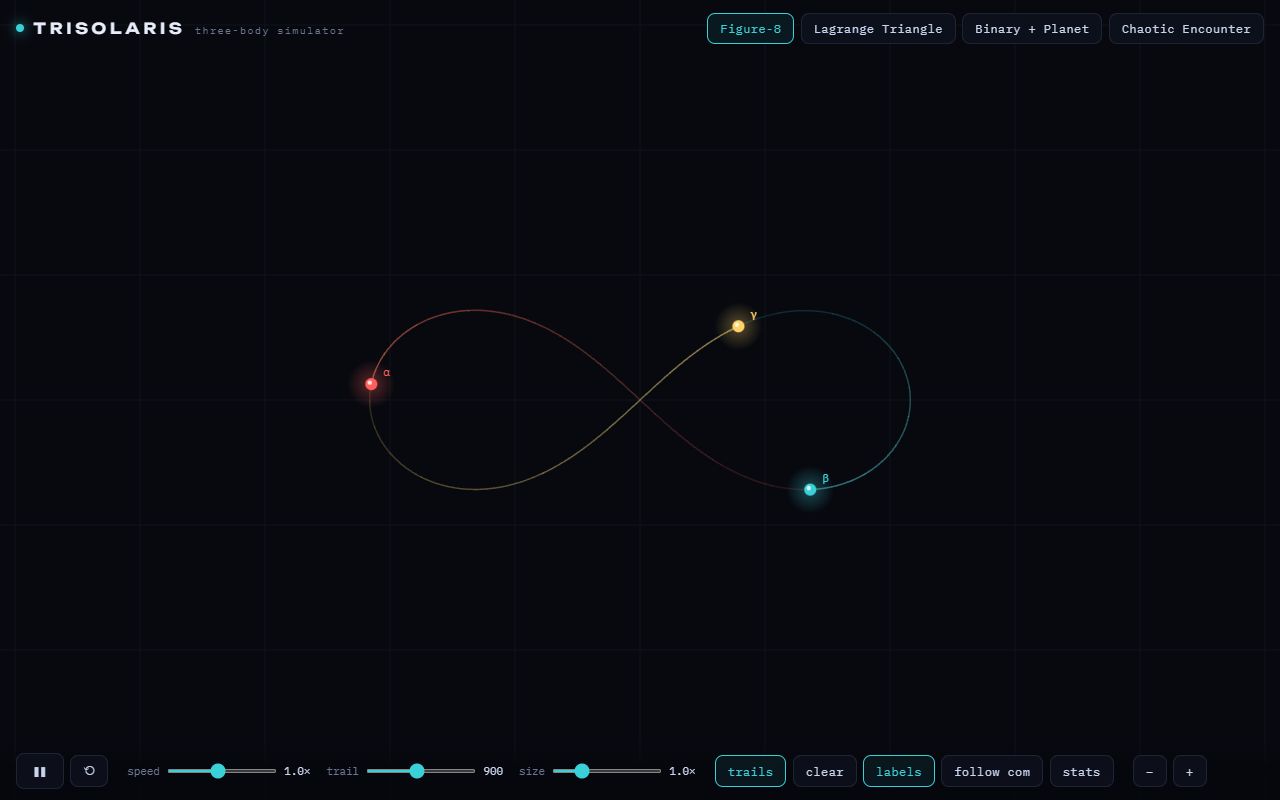
The most stripped-down one here, and I mean that as a compliment: presets on top, one slim control bar, and the canvas gets everything, on a phone too. Figure-8, Lagrange and the binary all look right. Chaotic Encounter throws the bodies off-screen within seconds though, and with no auto-framing you end up staring at an empty grid.
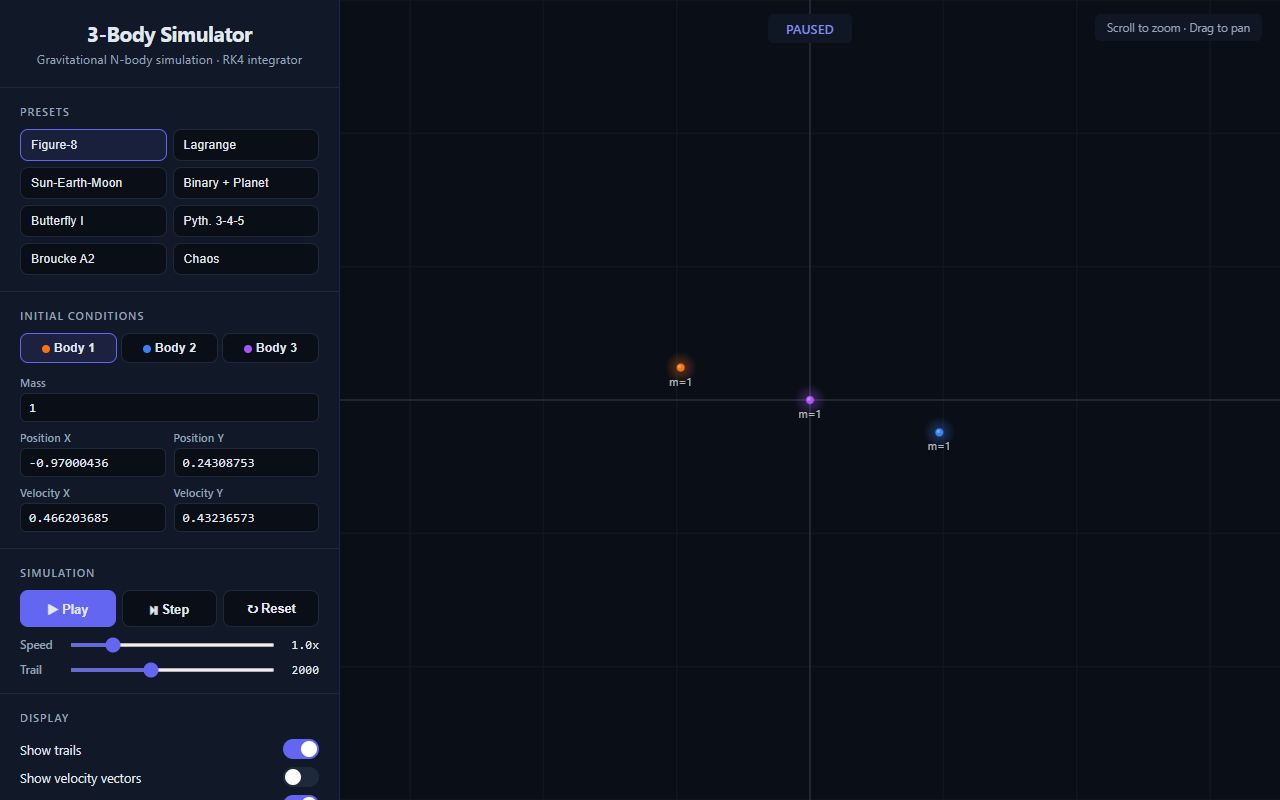
Opus went its own way with eight presets when the prompt said exactly four, plus editable initial conditions and an RK4 badge. Energy stays dead constant, which is great, but at 1× the sim crawls: one loop of the figure-8 takes over a minute, so it looks broken at first glance. It also starts paused, the bodies are tiny, and there's no labels or body-size control.
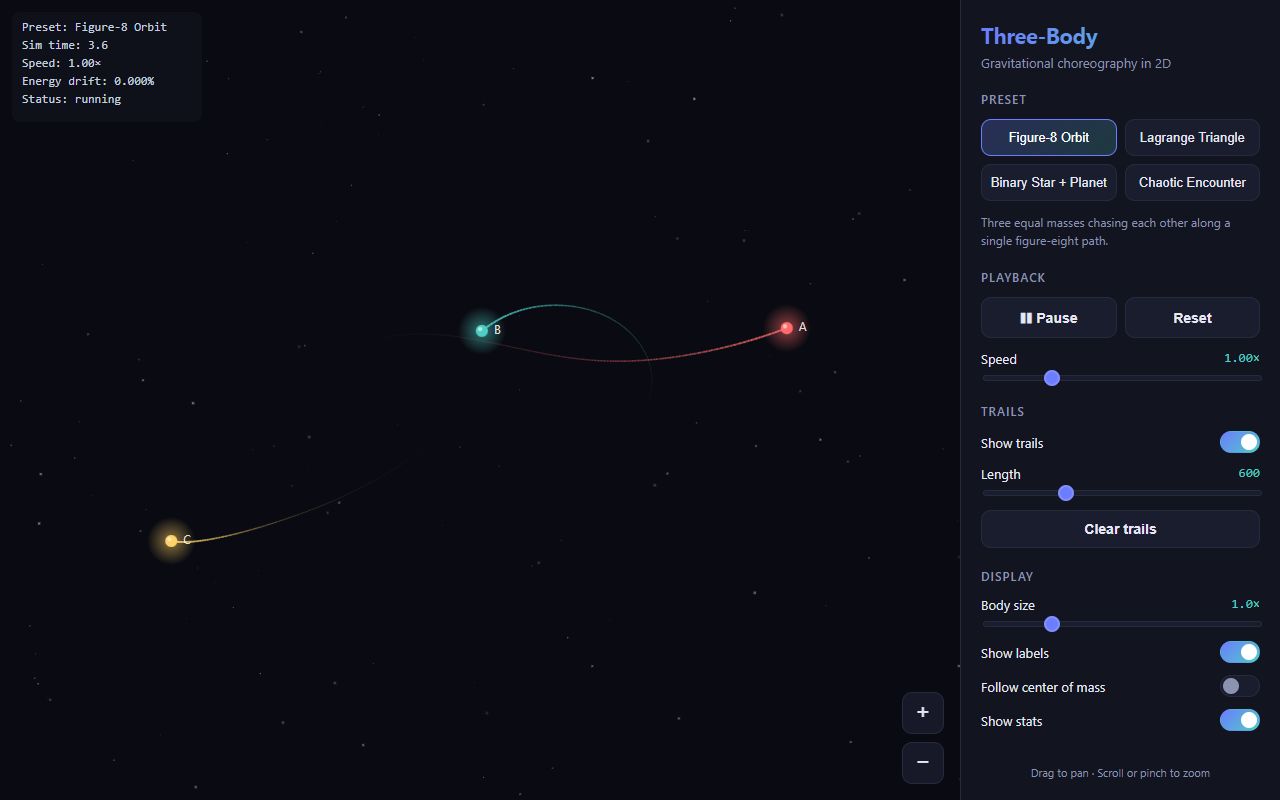
The most polished 2D layout for me: clear sections, every control, and a one-line description of each preset. Lagrange, the binary and the Pythagorean chaos all look great. The big miss is the headline preset: the figure-8 slowly twists into a pretzel within about 15 seconds, while the stats box keeps saying 0.000% energy drift.
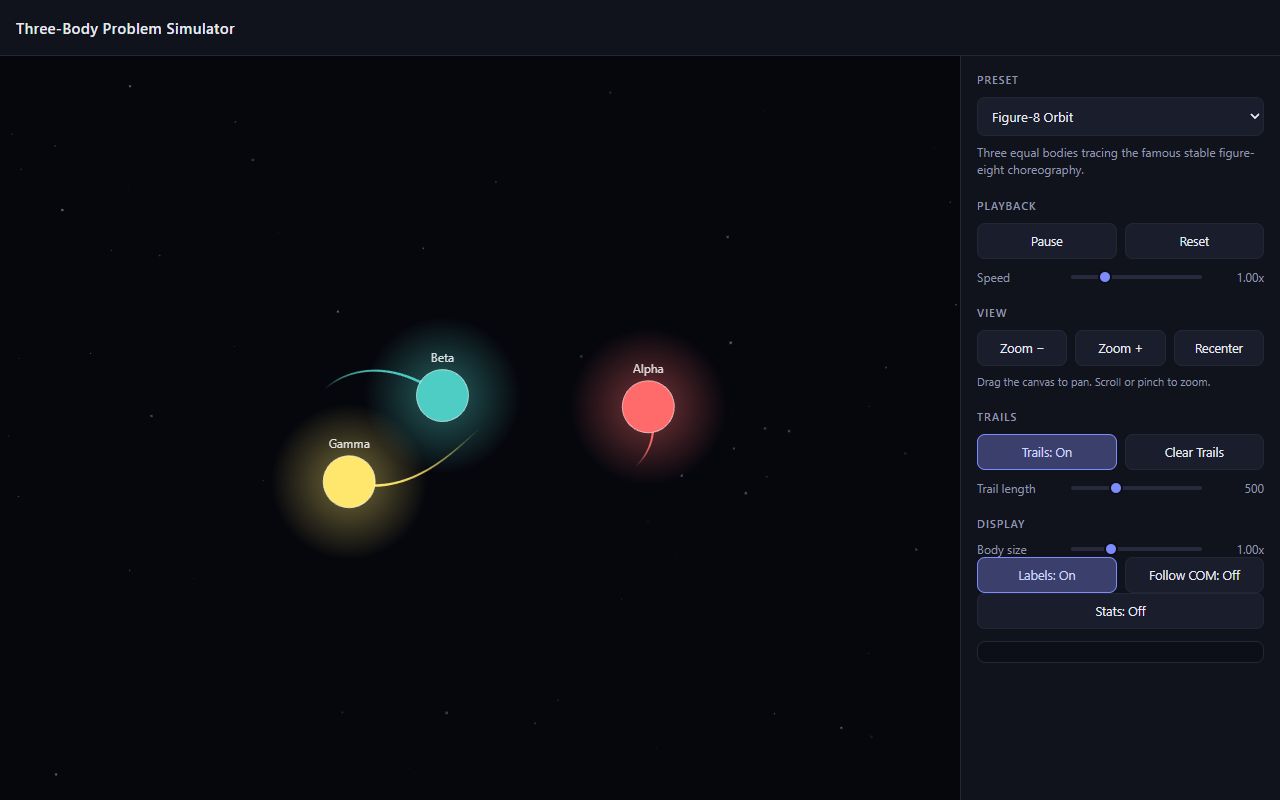
Every preset and every control is there, and toggles that literally say 'Trails: On' are easy to read. Figure-8 and Lagrange are perfect and the chaotic run stays on screen. My problem is the look: the bodies are huge glowing balls that hide the trails and turn close passes into one blob, and on a phone they get cropped.
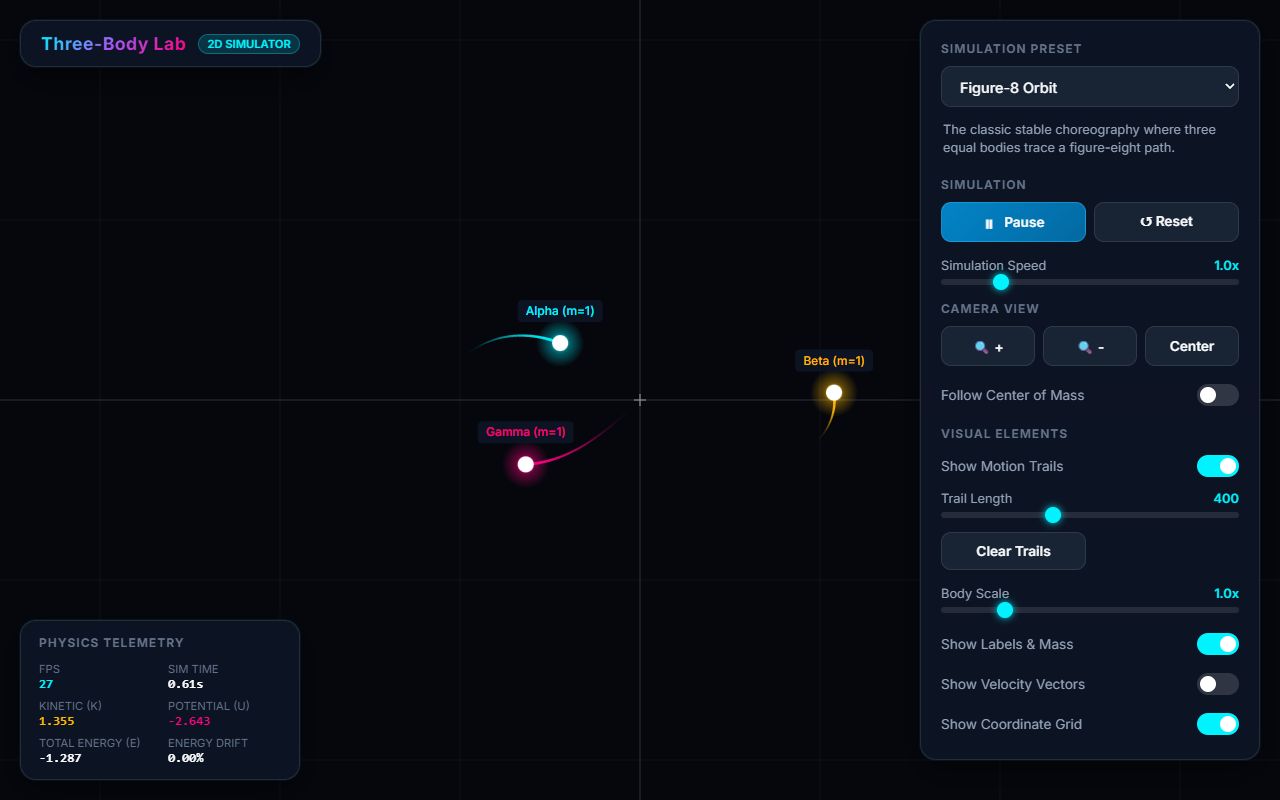
Solid and complete: every preset, every control, a telemetry box with live energy drift, and velocity arrows as a bonus. Using the Pythagorean 3-4-5 problem for Chaotic is a smart pick because it stays on screen. It looks like a generic dashboard though, and the right panel eats a big chunk of the view.
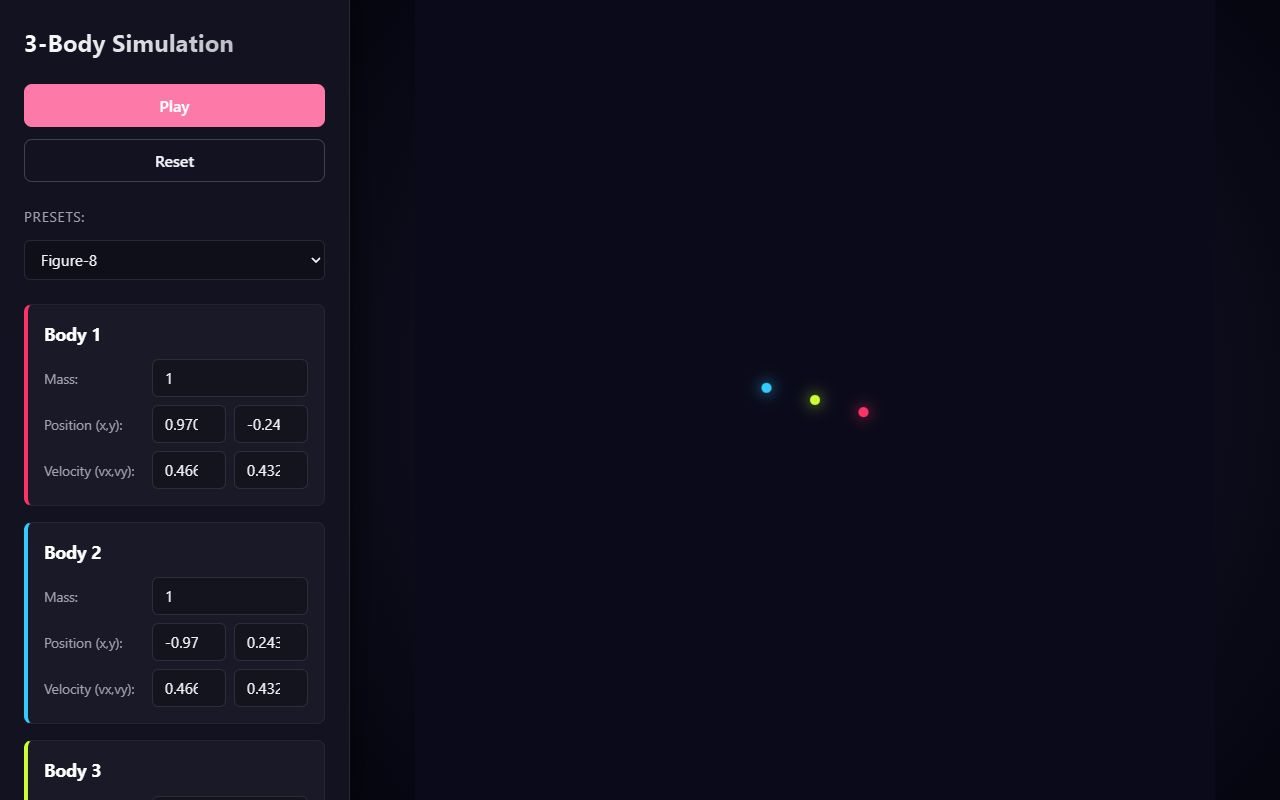
This one skipped half the brief. There's no Lagrange triangle and no speed, zoom, trail or label controls, just Play, Reset and a wall of number inputs. The figure-8 is tiny in the middle of the screen, in Sun-Earth-Moon the Earth and Moon leave the frame within seconds, and on a phone the panel covers the whole simulation.
OpenAI
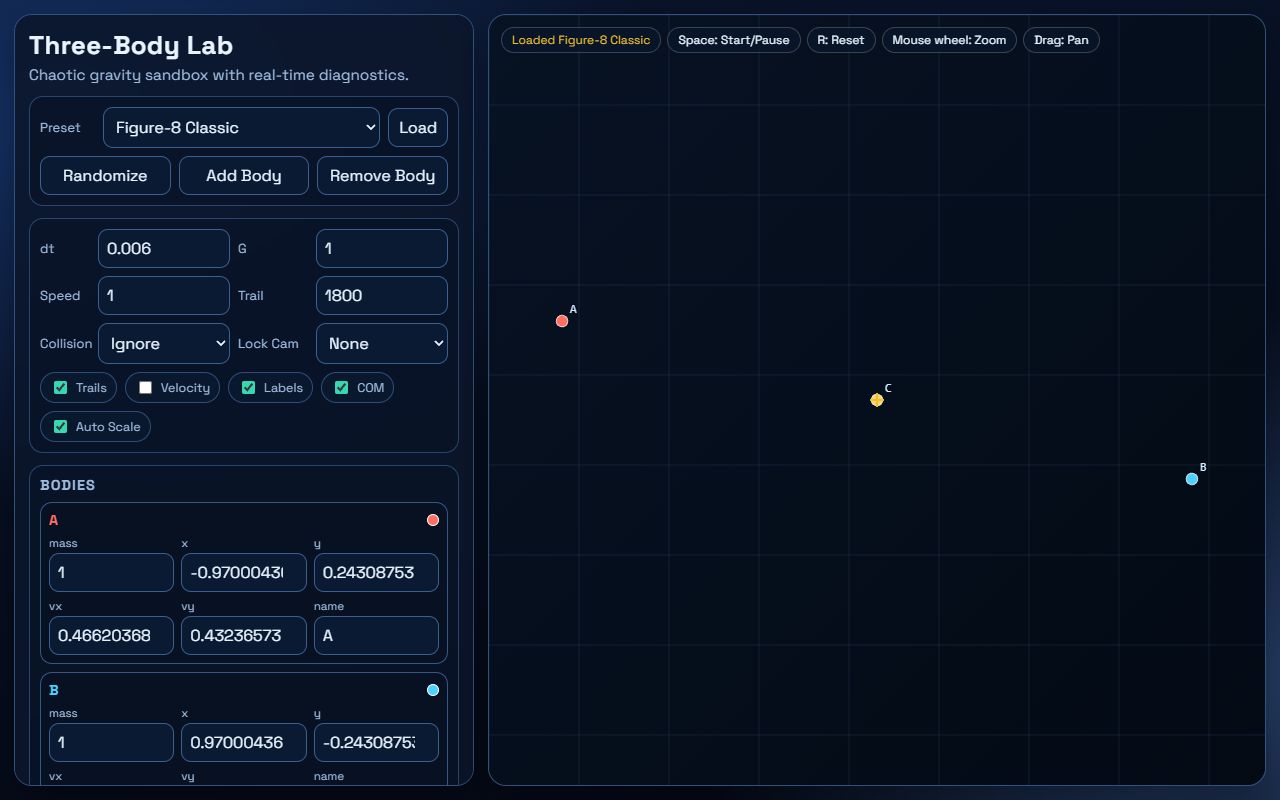
Codex built a physics sandbox instead of the app I asked for: extra presets, collision modes, add/remove bodies and raw number inputs everywhere. Picking a preset does nothing until you hit Load, the binary flings its planet off-screen within seconds, and Chaos in bounce mode turns into a yellow scribble. The figure-8 itself is spot on.
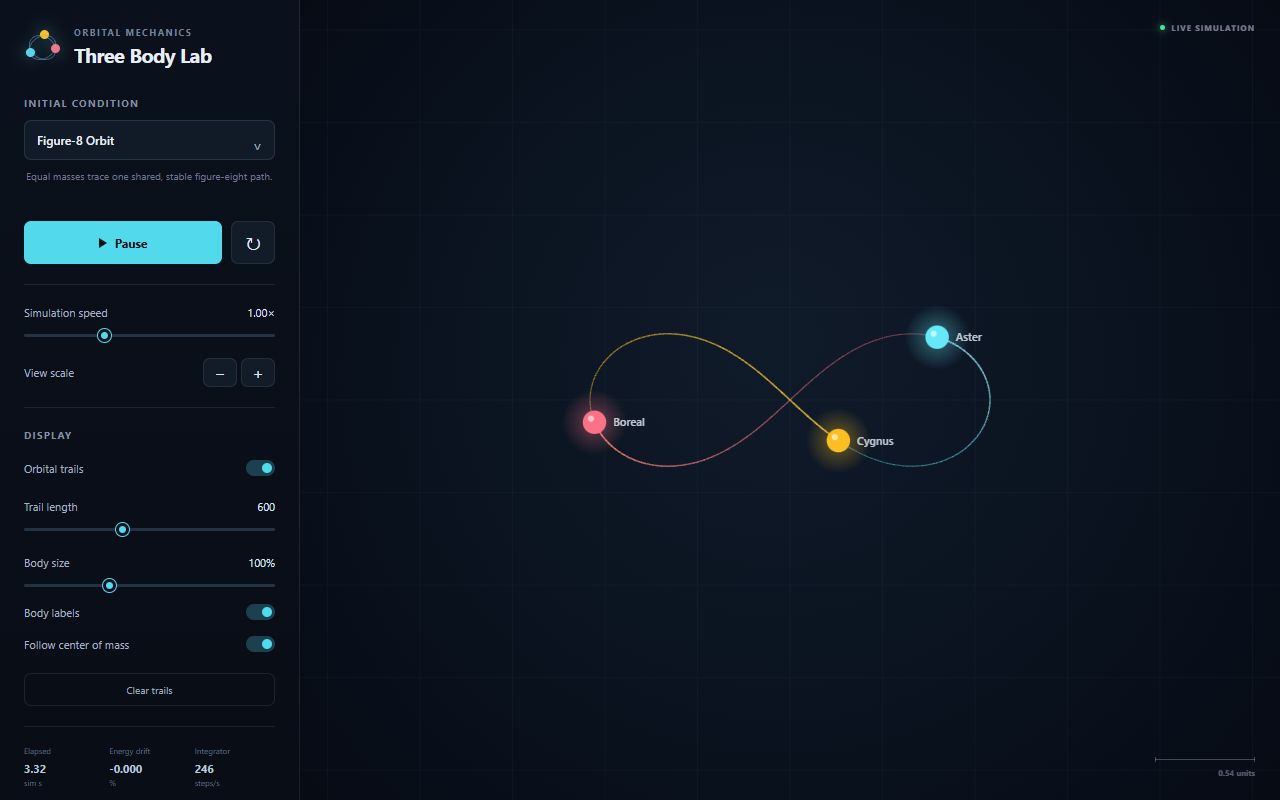
One of the best-looking 2D ones: clean sidebar, named bodies, energy drift right in the footer. Figure-8 and Lagrange are perfect. That energy readout also gives it away, though: Chaotic Encounter hits about 390% drift and flings a body out, exactly the numerical blow-up the prompt said to avoid. On a phone the figure-8 doesn't fit the screen.
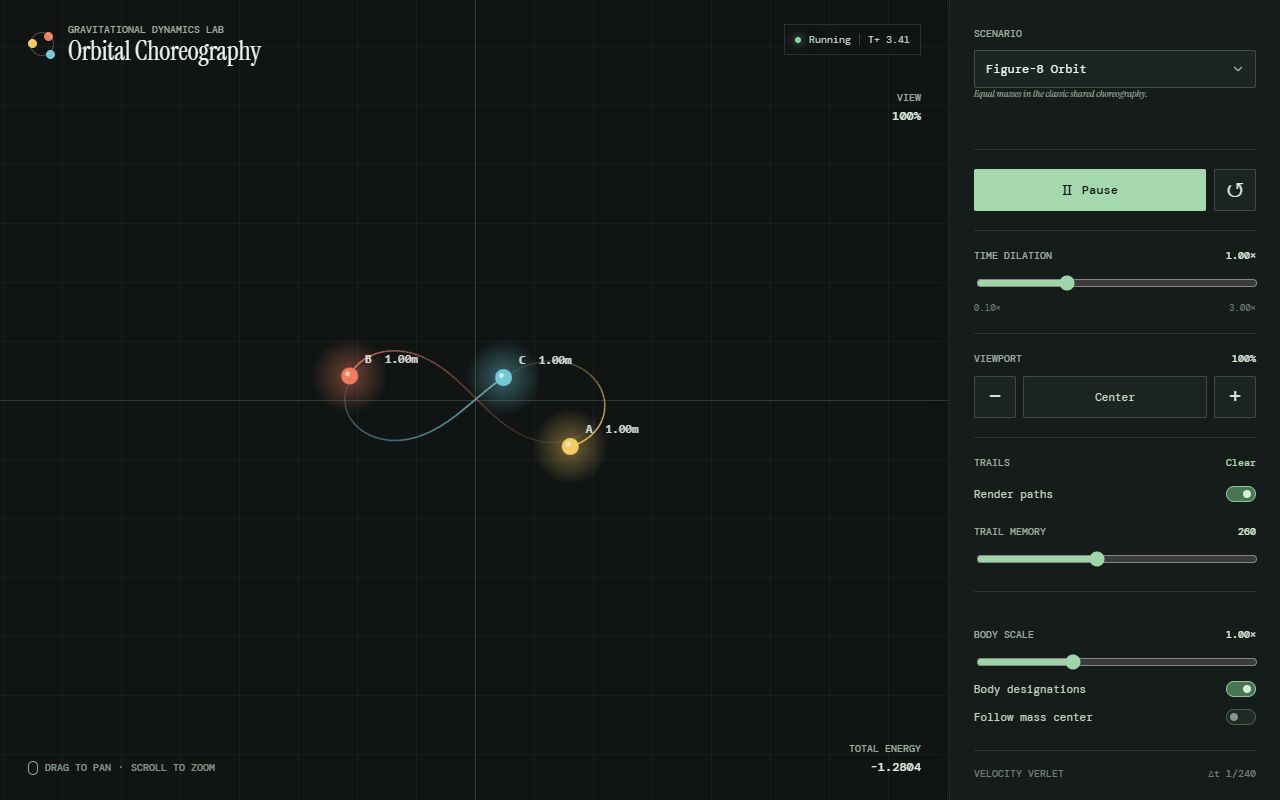
The most distinctive look of the bunch, with a serif title and green terminal vibes, and it covers every control in the brief. All four presets behave. Some labels try too hard ('Time dilation' for a speed slider, 'Body designations' for labels), and in Chaotic one body drifts to the edge without the view following it.