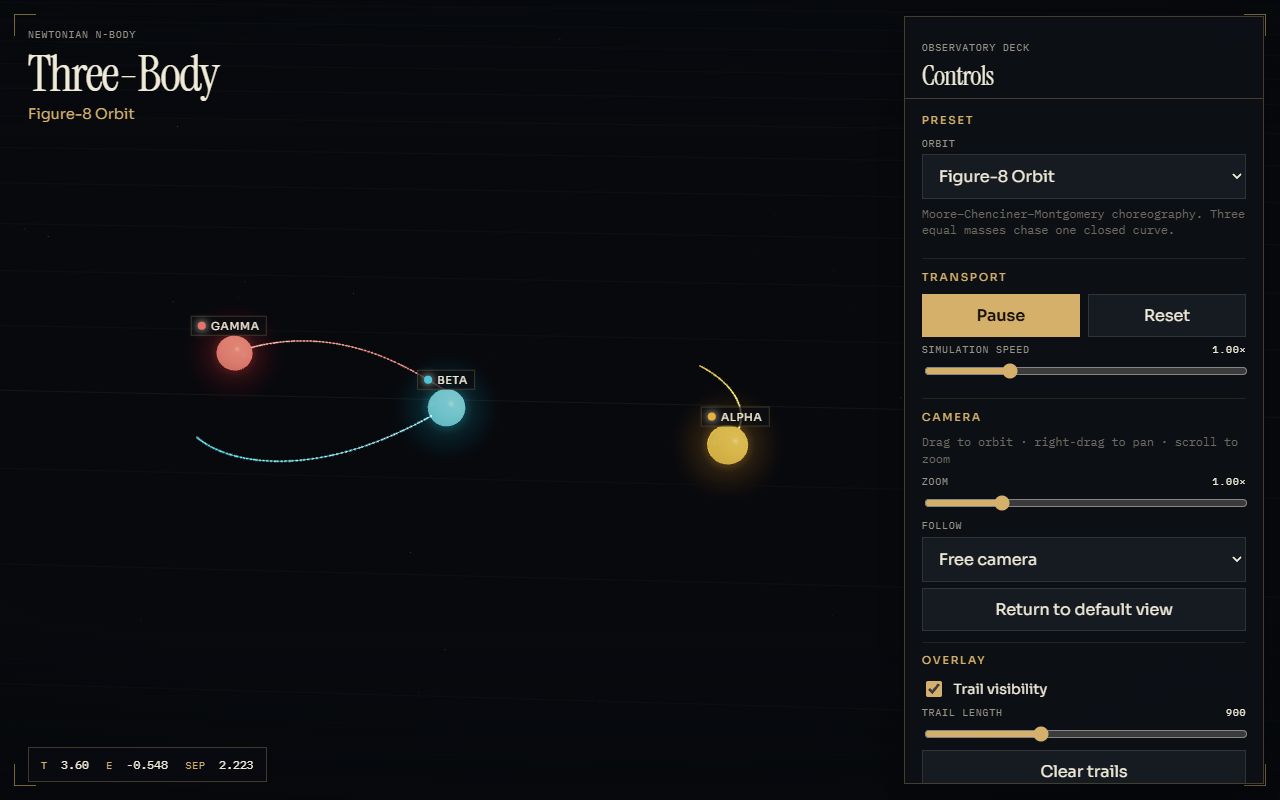
Three-body problem, 3D
The same problem in 3D with Three.js: orbit camera, trails and five presets, one of them inclined.
Prompt
Build a polished 3D Three-Body Problem simulation as a Vite web app.

Use Vite, TypeScript, and Three.js. The app should be complete, responsive, visually impressive, physically credible, and easy to run locally.

The goal is to create an interactive scientific simulation of three bodies moving under mutual gravity in true 3D space. The motion must be generated by the simulation itself, not by predefined animations.

Include these fixed presets:

1. Figure-8 Orbit
   A faithful version of the classic figure-eight choreography. It may remain on a plane, but the 3D camera must allow it to be viewed from any angle.

2. Lagrange Triangle
   Three bodies rotating in a stable triangular formation.

3. Binary System with Third Body
   Two large bodies orbiting each other while a smaller third body moves around the system.

4. Chaotic Encounter
   An unstable three-body configuration that produces interesting motion without immediately breaking the simulation.

5. Inclined Triple System
   A configuration where the bodies move on different orbital planes, making the three-dimensional nature of the simulation obvious.

Each preset must use fixed and carefully tested starting conditions. Switching presets or pressing reset must restore the exact original configuration. Presets should remain visually interesting and stable long enough to explore.

Add controls for:

* Play and pause
* Reset
* Simulation speed
* Zoom
* Orbit, pan, and rotate camera
* Trail visibility
* Trail length
* Clear trails
* Body size
* Labels
* Grid and axes
* Follow a selected body
* Follow the center of mass
* Return camera to default view

The camera should automatically frame each preset when selected.

Use a clean, modern dark interface. The 3D viewport should occupy most of the screen, with a compact control panel that works well on desktop and mobile.

Give each body a distinct appearance. Use smooth trails, subtle glow, readable depth cues, and restrained visual effects. Avoid clutter, excessive bloom, or decorative elements that make the motion harder to understand.

Prioritize:

* Accurate and stable motion
* Smooth animation
* Reliable behavior during close encounters
* Clear depth perception
* Responsive controls
* Consistent behavior across different frame rates and devices

Keep the project modular. Separate the simulation logic, presets, rendering, camera behavior, trails, and user interface. Make it easy to add new presets later.

Create the complete working project with all required files. Do not leave TODOs, placeholders, fake controls, or unfinished core features.

The project must run with:

npm install
npm run dev

Before finishing, test every preset, verify that all controls work, check the mobile layout, and fix visible instability, camera issues, broken trails, or UI problems.
Anthropic
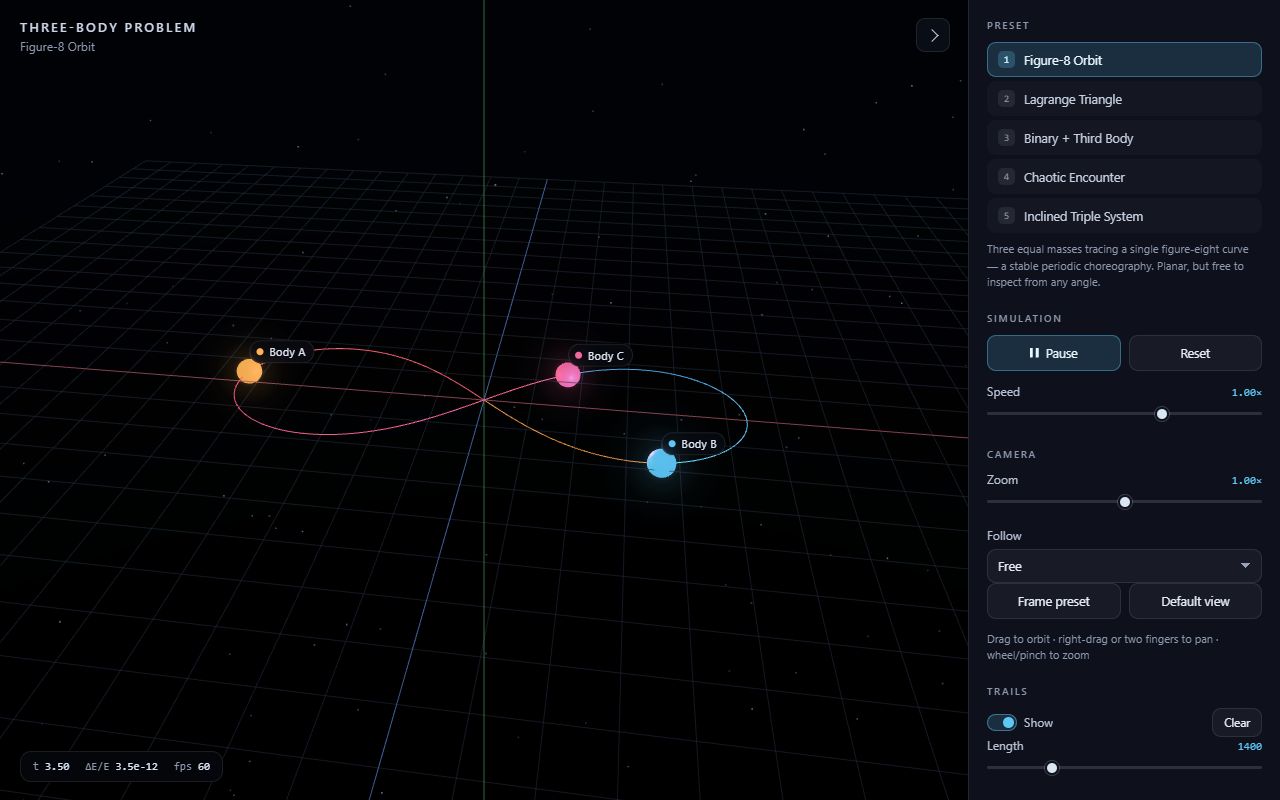
Quiet and serious. Every preset works, and the corner readout shows energy error around 1e-12 on the figure-8, the kind of numbers you only get when the integrator is right. The scene is plain, with small bodies on a red-and-blue grid, but here the motion is the star. Works well on a phone.
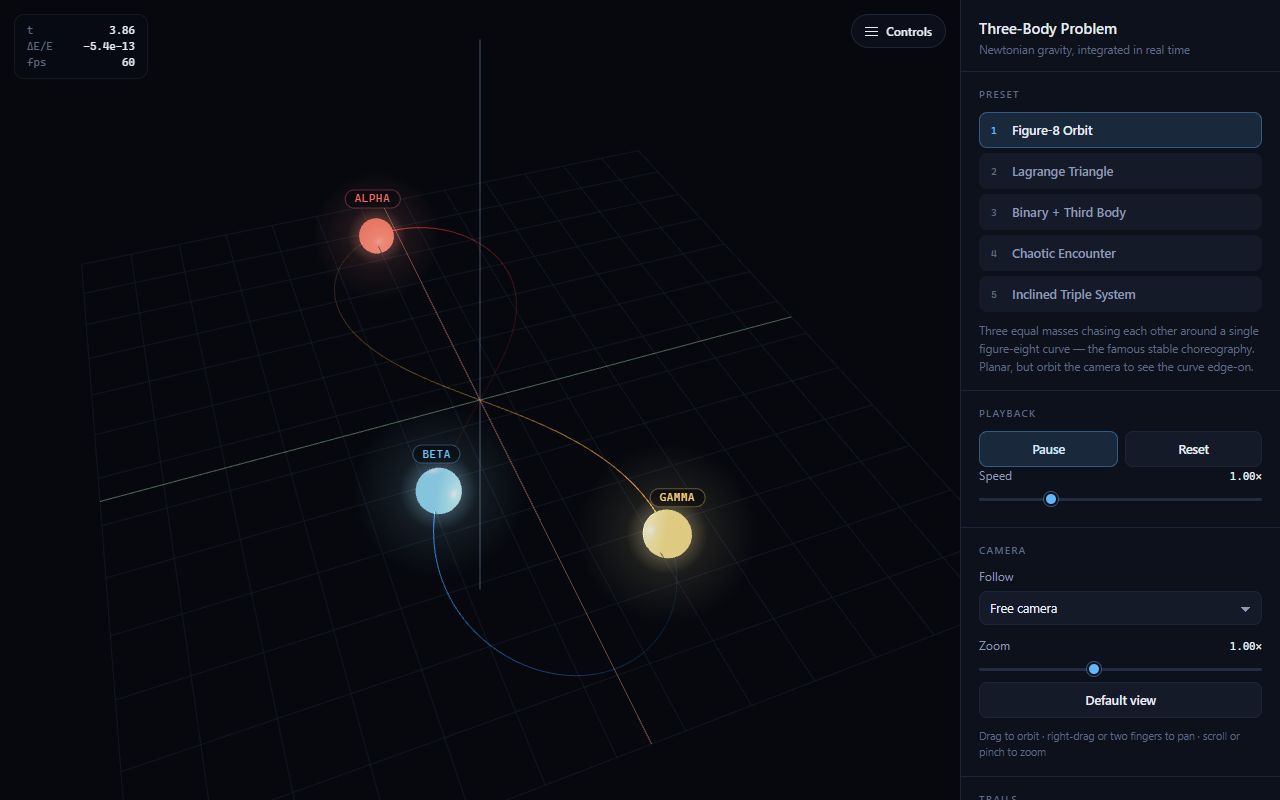
Feels like a science exhibit: glowing bodies, soft depth, and a figure-8 shown tilted so it actually reads as 3D. All five presets are stable and the energy error sits around 1e-14. The bodies get really big when they swing toward the camera and can hide each other during close passes.
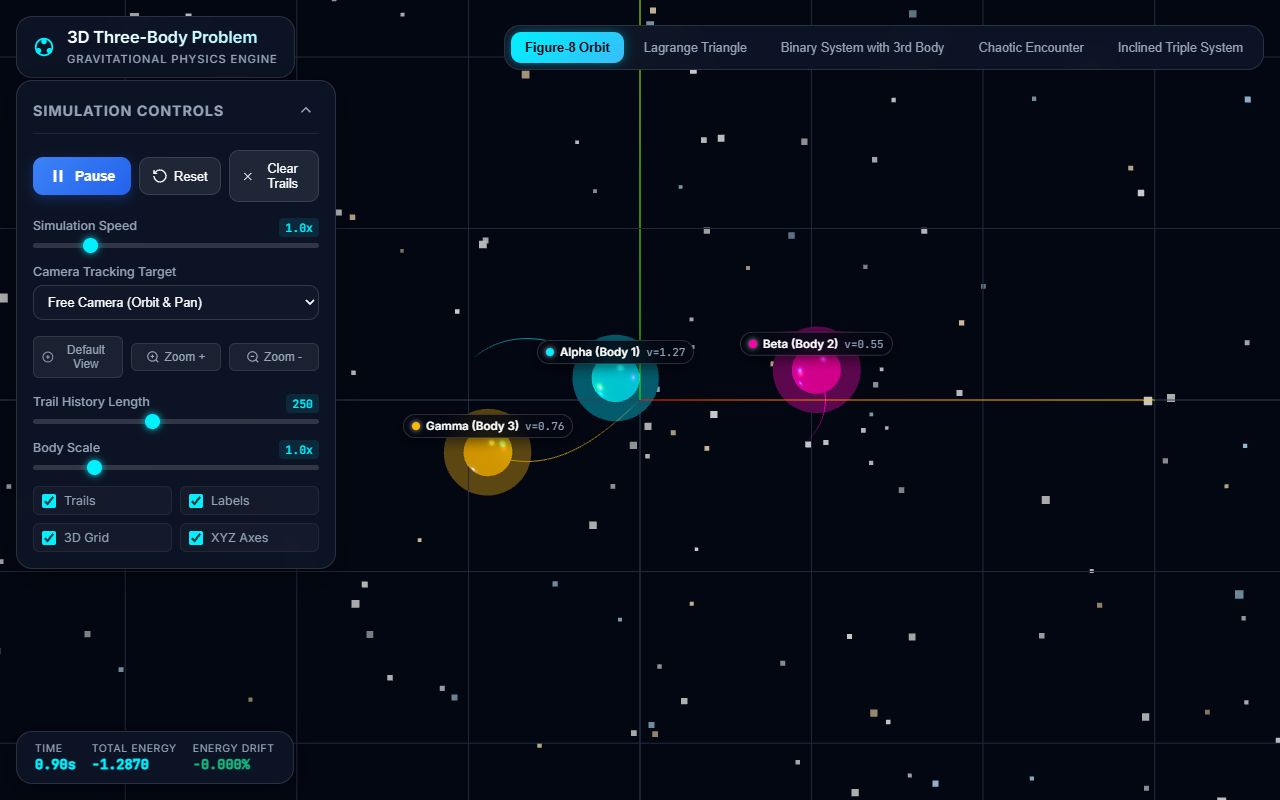
Everything the prompt listed is there, all five presets work and the camera controls are complete. But it's the opposite of restrained: a dense starfield, a coloured grid, and big glowing bodies with labels that crowd the orbits. On a phone the control panel covers half the scene.
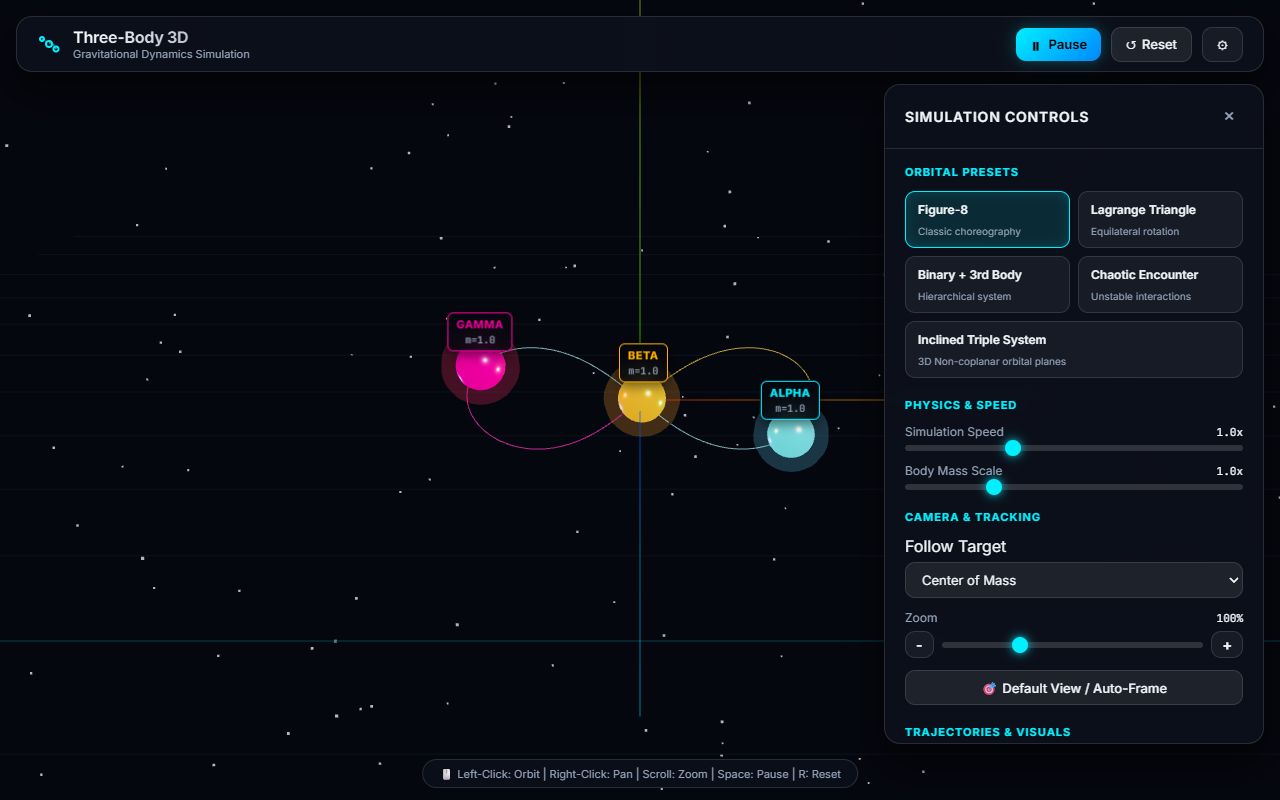
Clean and it works: five presets, follow modes, auto-framing, and the figure-8 holds perfectly. The neon label boxes on every body are a bit much. On a phone the controls open over the whole screen by default, so you see a panel before you see any orbit.
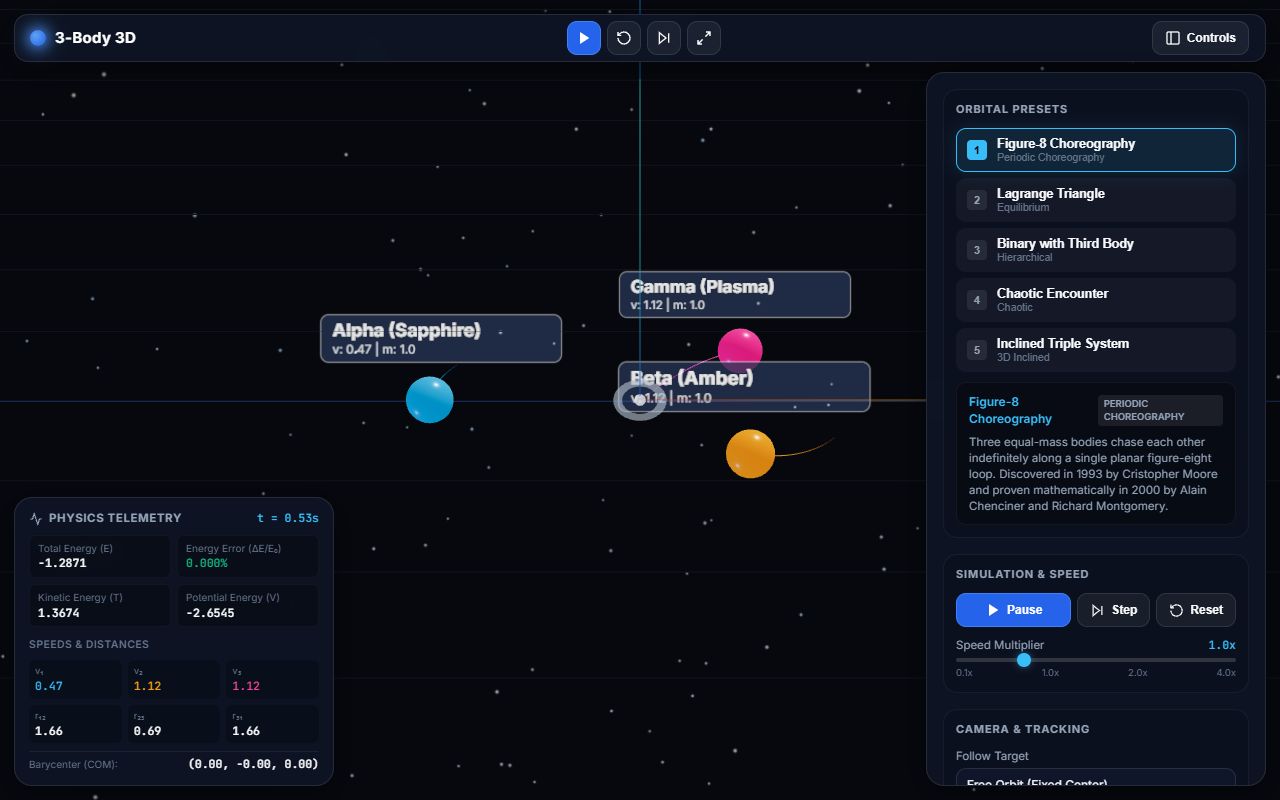
Packed with information: a telemetry panel with energy error, speeds and distances, plus a little history blurb for every preset. That's also the problem. Panels on both sides and big label boxes on each body leave the 3D view as the smallest thing on screen, and on a phone the panel covers everything.
OpenAI
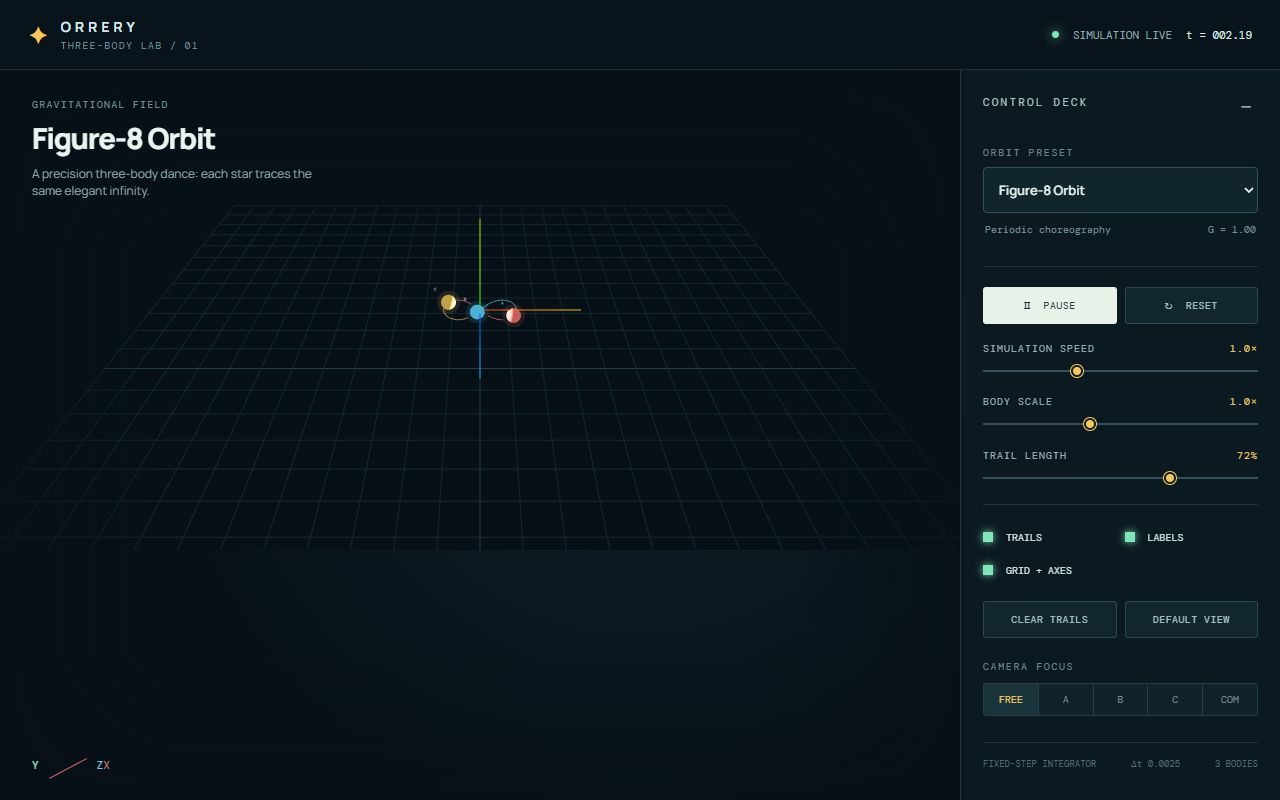
Nice minimal 'Orrery' look and every preset works. But the camera sits way too far back: the bodies are a few pixels wide in a huge empty grid, even though the prompt explicitly asked for each preset to be framed. On a phone the scene shrinks to a tiny strip at the top.
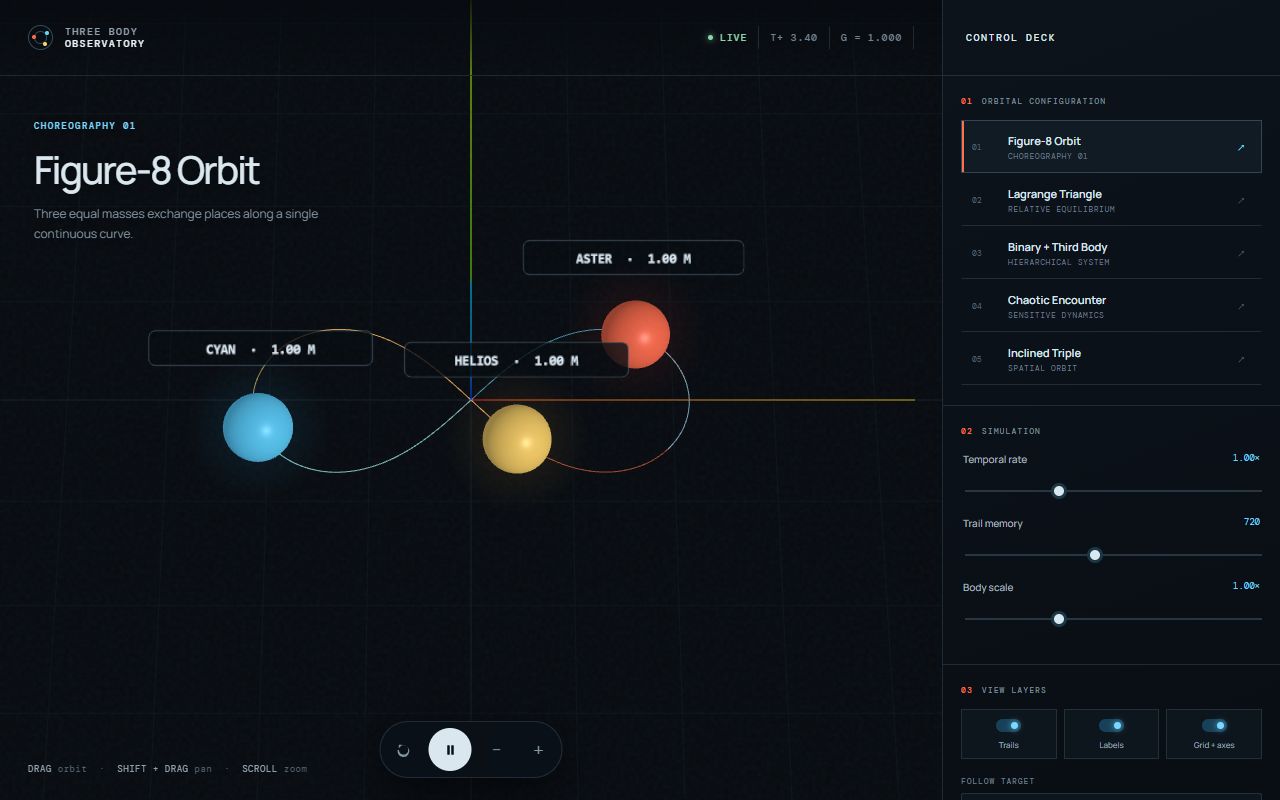
The best-looking 3D one for me: a big readable title per preset, a proper control deck, all five presets stable, and the figure-8 holds. On a phone it goes full screen with a small dock at the bottom, which is exactly right. If anything, the name tags on every body feel heavy.